
Popular Messaging Apps Compared: Telegram, Discord, Skype & More
There are hundreds, if not thousands, of messaging apps out there, but a handful have gained real popularity for good reason. Here's a breakdown of what makes Telegram, Snapchat, Discord, Kik, Skype, Wickr, WhatsApp, and Line each stand out.
January 8, 2026 - 9 min read

Right now, there are hundreds, if not thousands, of online messaging applications you can use to talk to your friends and family. However, a handful of those apps have gained real popularity over the past few years, and it’s not without reason.
Apps like Discord, Telegram, and Skype have each proven their staying power, and it shows. It’s no surprise that almost everyone you know uses at least one of them regularly. Still, each app has a distinct feature that made it successful in the first place, and today we’re going to look at the differences between them to figure out what each one is actually best suited for.
Telegram
Telegram is a social messaging application, much like WhatsApp. It launched in 2013 and has improved tremendously ever since. It prides itself on the speed at which messages send, along with heavily encrypted conversations, making it a genuinely secure and private application overall. One of Telegram’s most distinguishing features, though, is that it offers open API access. This means developers can build on top of the platform however they’d like, creating their own bots and mini-applications directly inside Telegram. It’s a genuinely exciting feature for developers, but also for more computer-savvy everyday users who want to customize their own account well beyond the defaults.
Snapchat
Snapchat launched in 2011 as a multimedia messaging app. Its central premise is simple: send pictures and videos of whatever you’re up to at the moment, whether to close friends or complete strangers. That said, the platform also includes a full in-app messaging function for straightforward text conversations too. Since the app is built around the camera first, it’s packed with camera-related features — various filters to alter your face, funky backgrounds, and small touches that add extra expression to a picture. The feature that made Snapchat so genuinely popular, though, is its self-destructing messaging system. When you send a photo or video, you set a timer, and once that timer hits zero, the image deletes itself for good. The recipient can only replay it once if they choose to, which makes sending more casual, in-the-moment messages feel a lot less permanent.
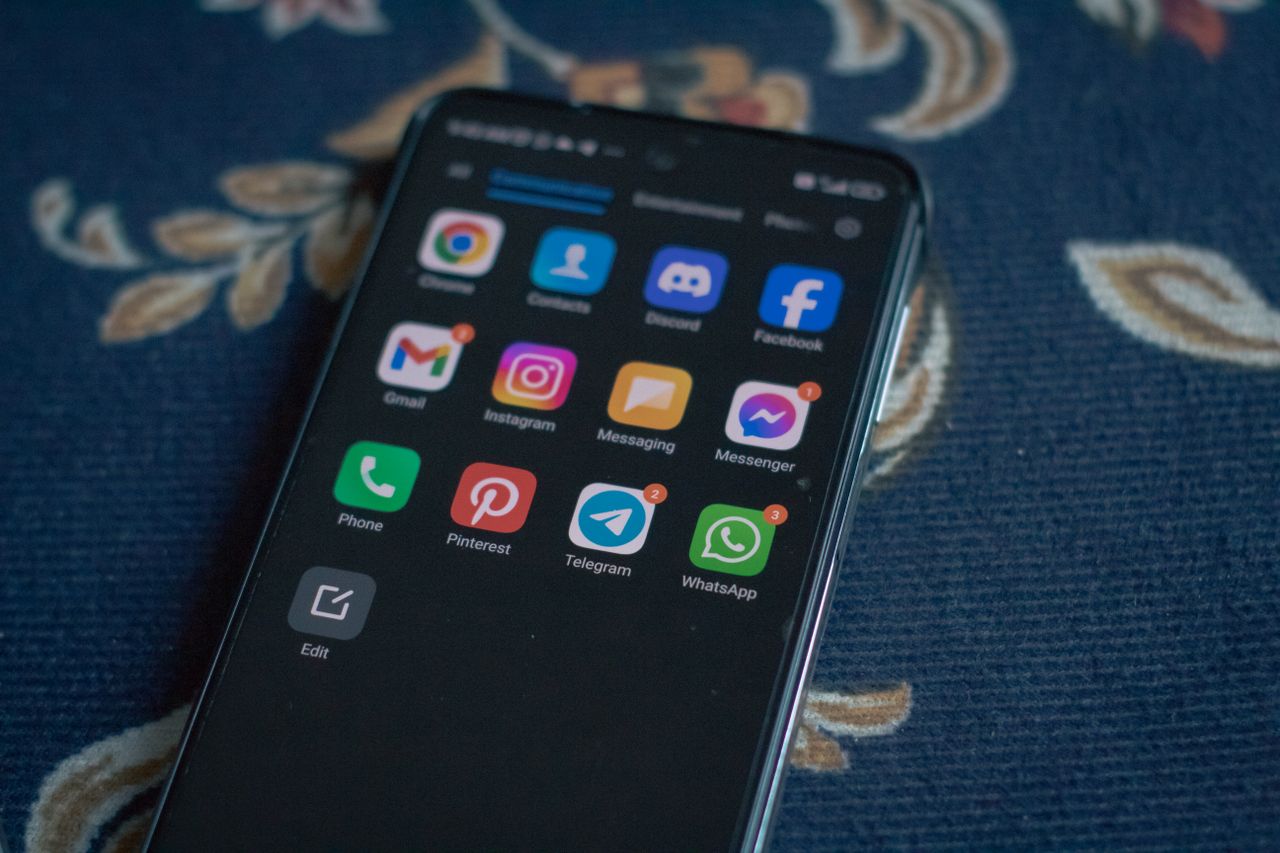
Discord
While Discord was originally designed to support gamers during multiplayer sessions, it’s become genuinely popular well beyond that original audience too. Members can talk one-on-one, or create dedicated groups (servers) built around specific shared interests. Within those groups, people can talk through voice channels or type in a text chatbox, whichever fits the moment better. You can share your screen, and even connect Spotify to add music into the mix while you chat. Discord’s standout feature, though, is the ability to stream directly to your channel. You can link your Twitch, YouTube, Steam, or even Reddit account to Discord and broadcast your stream live in a voice channel, letting friends (and sometimes strangers) drop in and watch together.
Kik
Kik is a social messaging application that only requires an email address and a working internet connection to get started. The app lets users send and receive videos, pictures, texts, drawings, links, and more. There’s also a large ecosystem of in-app bots, each built for a different purpose — some deliver news updates, others enhance your photos on command. Within Kik, you can create groups and add people using a personal Kik code or just their username. Kik’s standout feature, though, is Kin, a points system built into the app that lets users earn credits to spend on personalized themes and other perks. You can earn these points by watching ads, playing games, or checking out sponsored links.
Skype
Skype used to be something like the Discord of the early 2010s, and it’s still one of the most widely used applications around today. Skype is fundamentally a telecommunications app, meant for calling people either with or without video. That said, it also supports private text chat alongside the calling features. Skype is part of Microsoft, which lets it connect easily to a range of devices, from Alexa to the Xbox to your standard web browser. During a call, you can add live captions, record the conversation, share your screen, or even call an actual phone number directly from your computer. Skype’s real standout feature, though, is its live translation during calls. If you’re learning a new language by talking to a native speaker, Skype can help translate what’s being said in real time, either in the chat window or during the video call itself, with support for around ten languages during video calls and roughly sixty for text conversations.
Wickr
Wickr is an instant messaging app that launched in 2012. It prides itself on being a genuinely secure platform for sharing thoughts and files without worrying about them ever surfacing publicly. To reinforce that security, Wickr uses a burn-on-read system, automatically deleting messages and files once the recipient has actually viewed them. There’s also a “Pro” tier that lets you run your own private Wickr network, sharing and storing files among a small group of trusted members, which makes it particularly handy for workplace communication. Wickr’s standout feature, though, is built-in VPN connectivity. This lets remote workers securely access their office network and send files through the VPN directly, protecting their actual location in the process.
WhatsApp is arguably the most widely used messaging app in the world, with well over two billion people relying on it daily. It launched back in 2009 as a simple, phone-number-based alternative to SMS, and has since grown into a full communication platform in its own right. Every message is end-to-end encrypted by default using the Signal protocol, meaning no one, not even WhatsApp itself, can read the content of your conversations under normal circumstances.
WhatsApp’s standout feature is really its sheer ubiquity combined with simplicity. Because it ties directly to your phone number rather than a separate username or account, onboarding a new contact is as simple as having their number saved, no extra sign-up step required on either side. It also supports voice and video calls, group chats with hundreds of members, and file sharing, all wrapped in one of the simplest interfaces of any app on this list.
Line
Line isn’t as well known in North America, but it’s one of the dominant messaging apps across Japan, Thailand, and Taiwan, with hundreds of millions of active users. Much like Kik or Discord, it supports text, voice, and video chat, along with games and mini-apps built directly into the platform.
Line’s standout feature is its enormous library of stickers and characters, built around a cast of mascots that have become genuine pop culture icons in the regions where the app dominates. Beyond stickers, Line also functions as a mini super-app in some markets, supporting mobile payments, taxi bookings, and news feeds directly inside the chat interface, similar to how WeChat operates in China.
Choosing based on what you actually need

Looking across all eight of these apps, a pattern starts to emerge: nearly every one of them became genuinely popular by doing one specific thing exceptionally well, rather than by trying to be everything to everyone at once. If encrypted, developer-friendly messaging is your priority, Telegram fits. If quick, disappearing, casual sharing is more your speed, Snapchat wins out. If you spend your time in communities built around shared interests, Discord is hard to beat. If you just want the app almost everyone you know already has installed, WhatsApp is the safe default. And if security is your absolute top priority, whether for personal or professional use, Wickr is worth a serious look.
Group chats and communities compared
If you regularly organize group activities, the differences between these apps become even more pronounced. WhatsApp and Line both cap out in the low hundreds of members per group, which is plenty for a family or a friend group but not built for anything larger. Telegram, by contrast, supports groups of up to 200,000 people, making it a genuinely viable option for large, loosely organized communities. Discord takes a completely different structural approach, organizing a single server into dozens of separate channels rather than one flat group chat, which scales far better once a community grows into the thousands.
A note on regional popularity
It’s worth remembering that “popular” looks different depending on where you are in the world. WhatsApp dominates across Europe, Latin America, India, and Africa. Line is the default in Japan and Thailand. Telegram has a particularly strong foothold across Eastern Europe and the Middle East. Discord skews heavily toward gaming communities globally, regardless of region. If you’re trying to reach someone specific rather than just picking a favorite, it’s worth checking which app is actually standard where they live before assuming they’ll already have the one you use most.
Privacy and data considerations
Beyond features, it’s worth thinking about what each company actually does with your data behind the scenes. WhatsApp is owned by Meta, which has faced real scrutiny over data sharing between its various platforms in the past, even though message content itself stays encrypted. Telegram’s standard chats aren’t end-to-end encrypted by default, only its opt-in Secret Chats are. Wickr, being built for security-conscious professionals from the ground up, tends to collect the least metadata of the group. None of this necessarily rules an app out for casual use, but it’s worth factoring in if privacy is a genuine priority for you rather than an afterthought. Our dedicated comparison of secure messaging apps digs into this in a lot more depth.
Conclusion
As you can see, each of these applications has at least one feature that sets it apart from the rest of the pack. Every app carries its own specialization that makes it especially attractive to a particular group of people — Wickr, for instance, tends to appeal most to corporate and security-conscious users, while Line dominates in markets WhatsApp barely touches. Depending on what you’re actually looking for, you can pick whichever app best suits your needs, or just try one out of curiosity and see how it feels. Our guide to choosing a chat app walks through a slightly different shortlist — Messenger, Snapchat, Kik, iMessage, and WhatsApp — if you want another angle. There’s nothing wrong with having a strong preference, and nothing wrong with not being sure yet either. All of these applications are free and easy to access, no matter where you happen to be.