
The Six Rules of Internet Safety
Spending time on the internet is excellent, and what you can do on it is close to limitless. But there are also a few rotten eggs out there, so here are six simple rules to help you stay safe while you enjoy everything else it offers.
August 11, 2026 - 8 min read
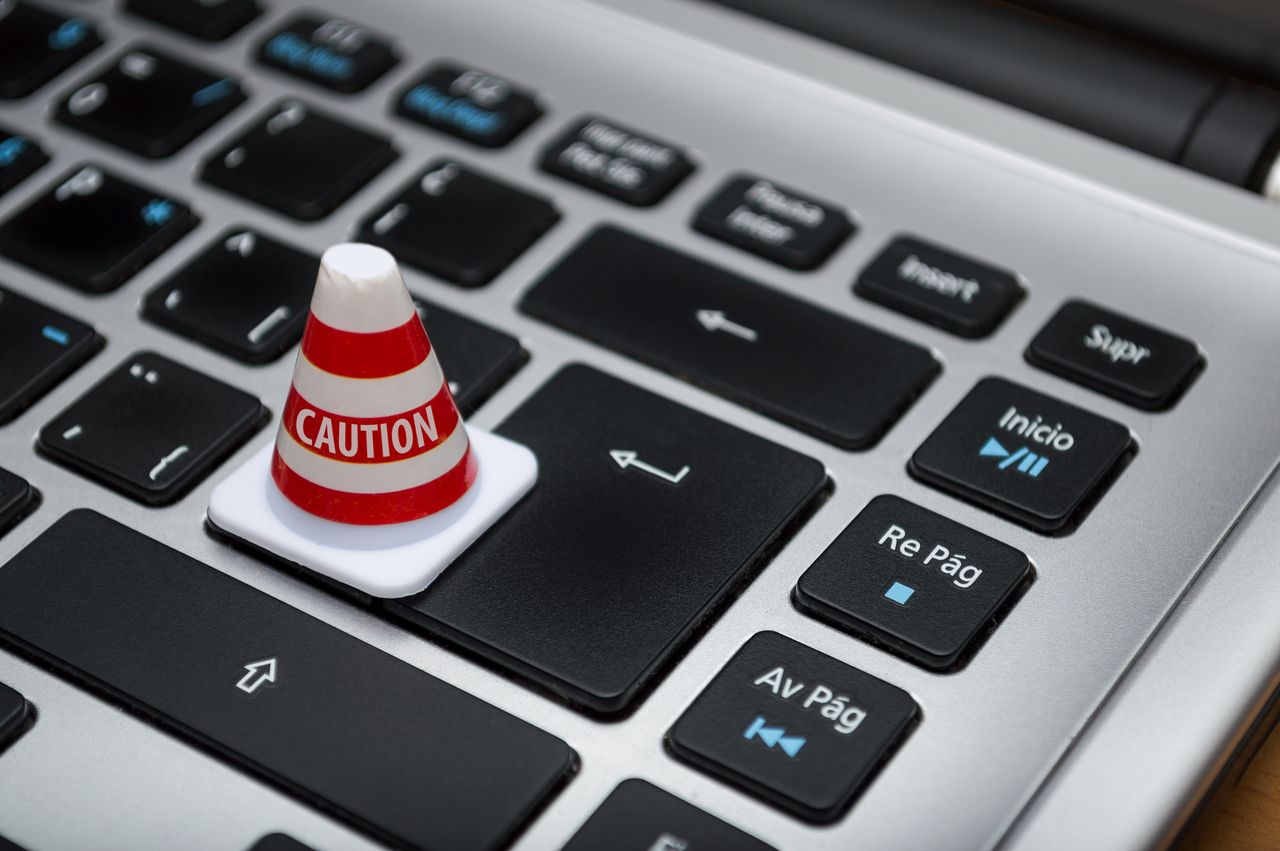
Spending time on the internet is excellent. What you can do is close to limitless. If you want to buy a 60-inch dinosaur stuffed animal, there is definitely a store that sells it. Want to contact a friend who lives on the other side of the planet? No problem at all. However, there are also some rotten eggs around on the internet.
These rotten eggs are often people trying to get your personal information or money without ever intending to give you anything real in return. Others try to use your family photos as leverage to blackmail you. While that all sounds pretty grim, we’ve put together six simple rules to help you stay safe while you enjoy everything else the internet has to offer. Our guide on staying safe in cyberspace covers a complementary set of habits too.
Use a secure connection
Most computers connect to your home Wi-Fi or a wired connection. Those access points are generally safe, since you and your housemates are typically the only ones using them. But when you’re out somewhere public, it’s tempting to hop onto a free Wi-Fi network instead. While that’s obviously convenient, it puts your personal information at real risk.
Free internet access points are free for everyone, including hackers. These people can potentially access your device through the same network and watch what you’re doing in real time. So if you decide to check your bank account while connected to public Wi-Fi, they could potentially pick up your card details and name in the process.
Using a secure connection doesn’t just reduce the chance of someone else accessing your device — it often means faster internet too, simply because fewer people are competing for the same bandwidth. If you ever genuinely need to use public Wi-Fi for something sensitive, a VPN adds a real layer of protection by encrypting your traffic before it even leaves your device.
Keep an eye on your privacy settings
Platforms like Facebook and Twitter let users customize their privacy settings in real detail. This lets you stop strangers from seeing your profile entirely, or give them a limited, filtered view instead. It protects you from people with bad intentions, but it’s also genuinely useful when you’re job hunting.
Current and potential employers regularly check social media pages to learn more about candidates. If your profile isn’t private, they might come across photos or posts that don’t exactly work in your favor. Maybe you once posted, “Called in sick today, just to spend the day at the beach.” If a hiring manager stumbles across that, it might quietly cost you the job before you even get an interview.
It’s worth revisiting these settings every so often too, since platforms occasionally change their defaults or introduce new sharing features that reset what you’d previously locked down.
Don’t download everything you see
You know that feeling when a show ends on a cliffhanger and you desperately need the next episode right now? There are plenty of sites out there offering downloadable games, TV shows, music, and more. Not all of them are trustworthy, though.
If you’re not paying attention, you could easily end up downloading a virus instead of your favorite show. That’s why it’s worth doing a bit of research on a site before downloading anything from it. Even sites that look completely legitimate can have something malicious hiding in a file somewhere.
The most reliable way to stay protected is by installing a proper antivirus program. It lets you scan websites and files before opening them, giving you a much clearer picture of what’s actually safe versus what just looks safe on the surface.

Only buy from trustworthy websites
As we mentioned earlier, you can buy almost anything online. That doesn’t mean you should buy it from just anywhere, though. While plenty of retailers online are perfectly reliable, there are also plenty that have zero intention of ever shipping what you paid for.
To make sure you’re buying from a genuinely secure site, check the address bar at the top of the page. If the link starts with “https,” that’s a good baseline sign (the “s” stands for secure), though it’s worth pairing that with actually looking for reviews of the specific site online too, since “https” alone isn’t a guarantee of trustworthiness.
When buying from an individual seller on a marketplace like eBay, check their personal review history to see whether other buyers found them trustworthy. If they’ve racked up a lot of negative reviews, it’s best to move on and find a different seller instead.
Don’t give everything away
Your online friend Mara seems genuinely interested in you and your life. Now she’s asking to borrow $200 to cover an unexpected vet bill for her cat. Naturally, you want to help, but at what cost?
Even when you feel a genuine connection with someone online, there’s still a chance they’re after your money or personal information. Because of that, it’s worth not handing either over too easily, no matter how convincing the story sounds.
That said, this doesn’t mean you should never help Mara. If you genuinely want to cover her vet bill, ask for the official invoice and the vet clinic’s name. You can then call the clinic directly and verify the details yourself. If everything checks out, you can go ahead with confidence.
Another way to help without exposing yourself to much risk is offering to share her post publicly, or helping set up a small crowdfunding page instead. You might still lose a little money if the story turns out to be false, but far less than if you’d paid the full amount directly without asking any questions first.

Create a strong password
As often as this tip gets repeated online, it’s genuinely one of the most important things you can do. Hackers frequently use automated programs or bots to try cracking into accounts. These tools cycle through password combinations at extremely high speed and can often break into an account within seconds if the password isn’t strong enough.
However, if you build a password using:
- Upper- and lowercase letters
- Numbers
- A mix of special characters
- No personal information, like a birthday or a parent’s name
Then that same program needs considerably more time to get anywhere near your account. Hackers generally prioritize speed and efficiency, so even a short delay is often enough for them to give up and move on to an easier target instead. Our full guide on securing your online presence goes into a lot more detail on passwords and beyond.
If you tend to forget your passwords, it can help to track them using a dedicated password manager, or even an old-fashioned physical notebook. The notebook option is really only risky if you lose it, or if someone else can easily get their hands on it.
Trust your gut, not just the checklist
Beyond these six specific rules, one of the most reliable tools you have is your own instinct. If something about a message, a website, or a deal feels slightly off, it’s worth pausing before acting on it, even if you can’t immediately articulate exactly why. Scammers rely heavily on urgency and pressure to stop people from thinking things through, so simply giving yourself a moment to slow down often does more to protect you than any single technical safeguard.
Keep your software up to date
Software updates can feel like an annoyance that always seems to pop up at the worst possible time, but a huge portion of them exist specifically to patch security holes that hackers are already actively exploiting. Delaying an update on your phone, browser, or apps leaves that door open longer than it needs to be. Turning on automatic updates wherever your devices allow it removes the temptation to put it off indefinitely, and it keeps you protected without requiring you to think about it at all.
Back up your important files
Not every online threat is about theft — some are about loss. Ransomware, accidental deletions, and hardware failures can all wipe out files you never meant to lose, and by the time it happens, it’s too late to do anything about it. Keeping a regular backup, whether through a cloud service or an external drive you update periodically, means a single bad event doesn’t have to mean losing years of photos, documents, or work. It’s one of those habits that feels unnecessary right up until the one time it genuinely saves you.
Conclusion
There’s no need to stop enjoying your time on the internet because of any of this. That said, you can never really be too careful when it comes to protecting your personal information. With the tips above in your back pocket, you don’t have to worry as much about falling victim to a hacker or a scammer. Try to remember: don’t trust everything immediately, build a genuinely secure password, research websites and programs before downloading or buying anything, and keep your privacy settings updated where it matters. Now you’re ready to face the internet. Have fun out there.