
What Not to Do Online
When you're browsing the internet, there's a good chance you'll run into scams, scammers, or viruses at some point. Here are the habits worth breaking, from trusting everything you read to arguing with strangers on social media.
April 29, 2026 - 8 min read

When you’re browsing the internet, there is a big chance you will come across potential scams, scammers, or viruses. Scammers have gotten more and more creative, watching what people are looking for and preying on the more vulnerable, like small children and the elderly. Here are some tips on what NOT to do when browsing online.
Trust everything you read
This applies to both fake news and outright scams. Let’s start with the first one.
When you’re scrolling through Facebook or YouTube, there’s a good chance you’ll run into videos claiming something like, “I lost 10kg in ONE week! Click here to find out how!” These posts are usually wildly exaggerated and not remotely trustworthy. It might be an ad for a pyramid scheme, or a ridiculous diet built around eating three slices of orange a day. When a headline ends in “…click here to find out more” or trails off mid-sentence, that’s usually a solid sign it’s not worth trusting.
Because of that, it’s worth always second-guessing what you read and checking whether the article actually cites real sources. And even then, some sources are simply more reliable than others — a listicle site is a very different level of trustworthy compared to something published on an official government website.
As for scams specifically, you might come across emails or posts claiming you’re eligible to win $500 from some “popular random supermarket.” All you need to do is enter your address and phone number. Simple, right? In reality, that phone number and address often end up feeding spam callers, spam mail, and sometimes even subscriptions you never actually signed up for. Some scammers take it a step further, asking for your credit card details to “verify” you’re a real person. From there, they’ll use that card to make purchases without you ever noticing until the statement arrives.
Reuse the same password
Almost every website asks you to create a password when you sign up. It might feel like a hassle managing twenty or more different passwords, but doing so is genuinely safer than reusing the same one across every site. It only takes one person with bad intentions stumbling across a single leaked password to potentially access every account tied to it, including your bank account.
If you’d like help creating a genuinely strong password, or figuring out how to keep track of the different ones you use, take a look at our other article on password safety.
Skip two-factor authentication
Most popular websites now support two-factor authentication, requiring you to log in with both a password and a second method, like a text code or a secondary email confirmation. This adds a real layer of protection to your account in case someone tries to break in using just a stolen password.
When you skip this step, your account ends up meaningfully less secure and considerably easier for someone else to break into.
Give away personal information
Plenty of people enjoy posting vacation pictures on social media, and honestly, there’s nothing wrong with that on its own. That said, sharing too much information makes it easier for people with bad intentions to impersonate you, or to use the knowledge that you’re away to target your empty home for a break-in.
Sharing pictures of your kids can carry its own risks too, especially when they’re too young to have any say in being posted online. It can let strangers piece together where your kids are, how old they are, who their friends are, and more. Once that kind of information ends up in the wrong hands, it can genuinely put you and your kids at risk.
The same caution applies to teens or adults sharing intimate photos in private chats. All it takes is one falling-out, and those photos can be used to blackmail someone, which is both a serious crime and a genuinely harmful thing to do to the person in the photo.
There’s nothing wrong with sharing photos here and there — just be mindful of how much information you’re giving away alongside them. Post vacation photos after you’ve actually returned home, or ask someone you trust to keep an eye on your place while you’re away. If you do choose to send intimate photos, make sure both people involved are adults, and avoid including your face or any other identifying details that could later be used against you. And only ever send them to people you genuinely trust, never to strangers.
Use public Wi-Fi carelessly
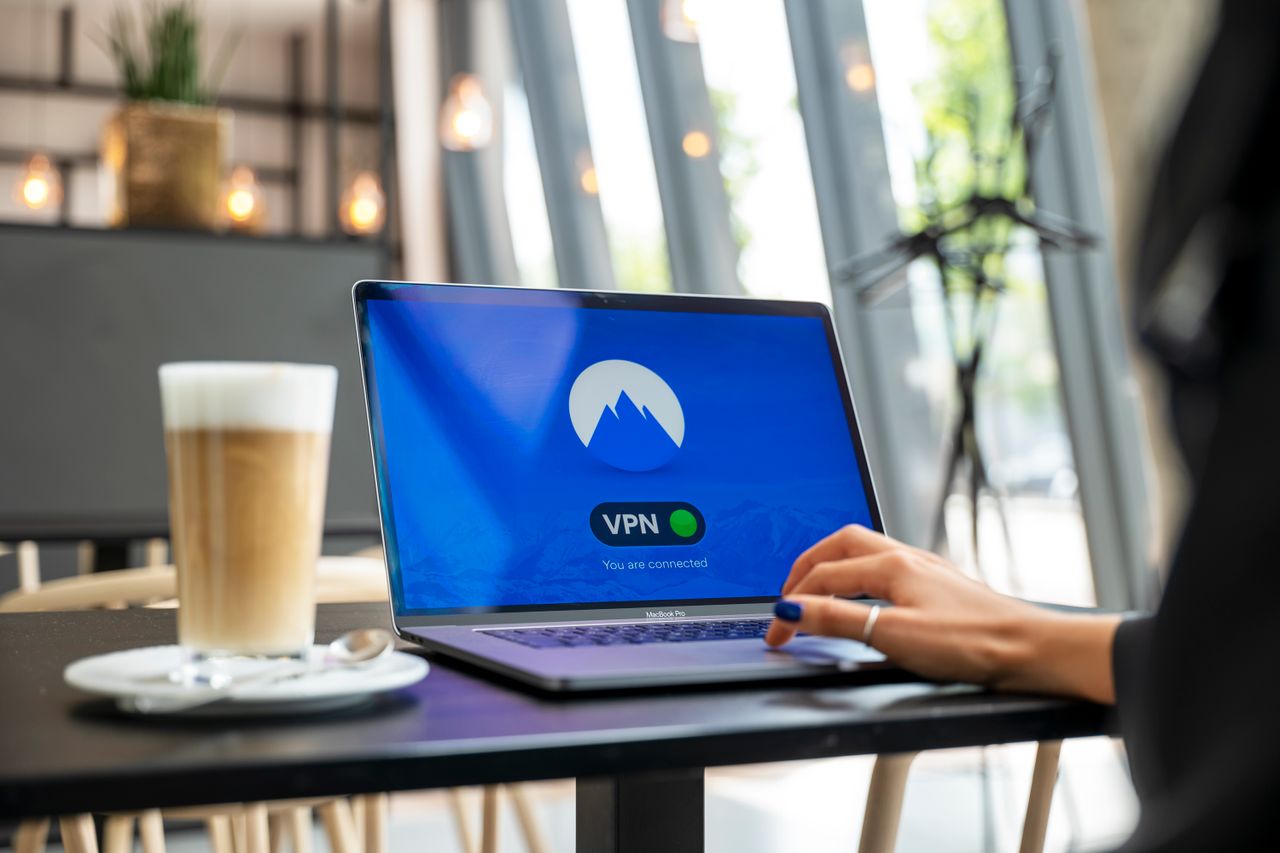
Nowadays, public transit, shops, and restaurants often offer free Wi-Fi to customers. While that’s genuinely helpful for keeping your data usage down, it also comes with some real risk attached. Open Wi-Fi hotspots are, true to the name, free and easy to access for absolutely anyone nearby.
Someone with even modest hacking skills can get onto that same network and access connected devices. If you happen to check your bank account while connected, they could potentially see that information too.
To reduce this risk, you can either avoid connecting to open networks altogether, or connect but avoid looking up anything sensitive while on them. Networks that require a password tend to be noticeably safer to use, so you generally don’t need to worry as much about those.
Argue on social media
This one doesn’t come up as often, but it can still cause real harm when it does. If you find yourself in an argument on social media, it’s worth remembering that almost anyone can watch it unfold in real time. People screenshot arguments constantly, and once that happens, it can go viral and become nearly impossible to fully scrub from the internet afterward.
Arguments can escalate in unexpected ways too. Complaining about your job online, only for your boss to see it and let you go shortly after, is a genuinely common story. Disagreements can also spiral into full-blown fights, and if the other person gets angry enough, they might dig through whatever personal information is visible on your profile and use it against you. If you represent a company in some capacity, they could file a formal complaint. If your address is visible anywhere, they could theoretically use it to track you down and harass you further.
However upset someone manages to make you, it’s almost always worth being the bigger person and simply not engaging. It’s better for your mental health, and it tends to be better for your overall wellbeing in the long run too.
Click on suspicious links without checking first
Beyond outright scams, a huge number of security problems start with a single careless click on a link that looked harmless enough at a glance. Shortened URLs, unexpected password reset emails, and messages claiming your account has been “suspended” are all common bait. Before clicking, it’s worth hovering over a link to see where it actually leads, or just navigating to the site directly through your browser instead of trusting the link at all.
Overshare your location in real time
Checking in at a location, tagging a live event, or posting a story from a specific venue can feel harmless, but it broadcasts your exact whereabouts to anyone who can see your profile, including people you barely know. Combined with a public profile, this can make it trivially easy for someone to figure out patterns in your routine, like which gym you go to or which route you walk home. It’s generally safer to post about a trip or an event after you’ve already left, rather than announcing exactly where you are while you’re still there.
Ignore software updates
It’s easy to dismiss update notifications as an annoyance to deal with later, but a huge number of them exist specifically to patch security vulnerabilities that have already been discovered and are actively being exploited. Delaying an update on your phone, browser, or apps leaves a known gap open for longer than necessary. Turning on automatic updates where possible removes the temptation to “do it later” and quietly keeps you protected without requiring ongoing effort.
Download apps from unofficial sources
Sideloading apps from outside the official App Store or Play Store, or downloading a “cracked” version of a paid app to avoid paying for it, is one of the most common ways malware ends up on a device. Official app stores aren’t perfect, but they do run real security checks before an app goes live. Third-party download sites generally don’t, which means the free version of that app you found might come bundled with something you never agreed to install.
Conclusion
The internet is still an amazing place to learn, connect, and be entertained, but a little caution goes a long way in keeping it that way for you personally. Avoid trusting everything you read at face value, use strong and unique passwords, enable two-factor authentication wherever it’s offered, and think twice before sharing sensitive information or engaging in an online argument. None of these habits take much effort to build, but together, they make a real difference in how safely you get to enjoy everything the internet has to offer.